Guides
What You Can Do With Kubeey: Real Workflows
What can you do with Kubeey? Five real workflows, from a product ad to a captioned social clip, made by describing them to the AI media agent in chat.
· Kubeez
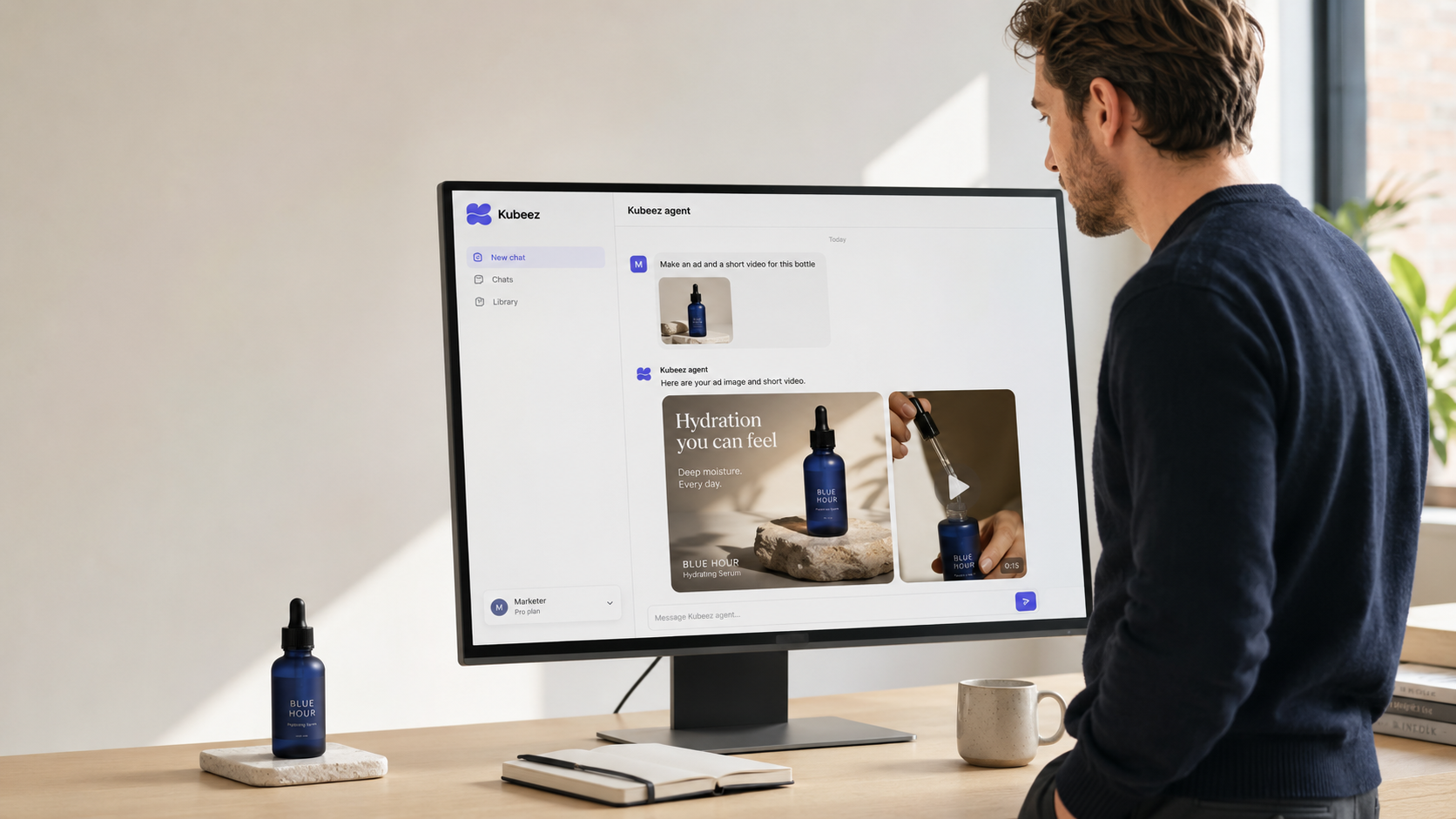
Kubeey is an AI media agent, and the fastest way to understand it is to watch it work. You open the agent chat, describe a project in plain language, and it plans the steps and generates the finished media. Below are five real, end-to-end workflows creators, marketers, and agencies run with Kubeey every day, from a single product ad to a fully captioned social clip. Each one starts as a sentence in a chat.
New to Kubeey? Start with what Kubeey is, then come back here for the hands-on part.
Workflow 1: A product ad from a single photo
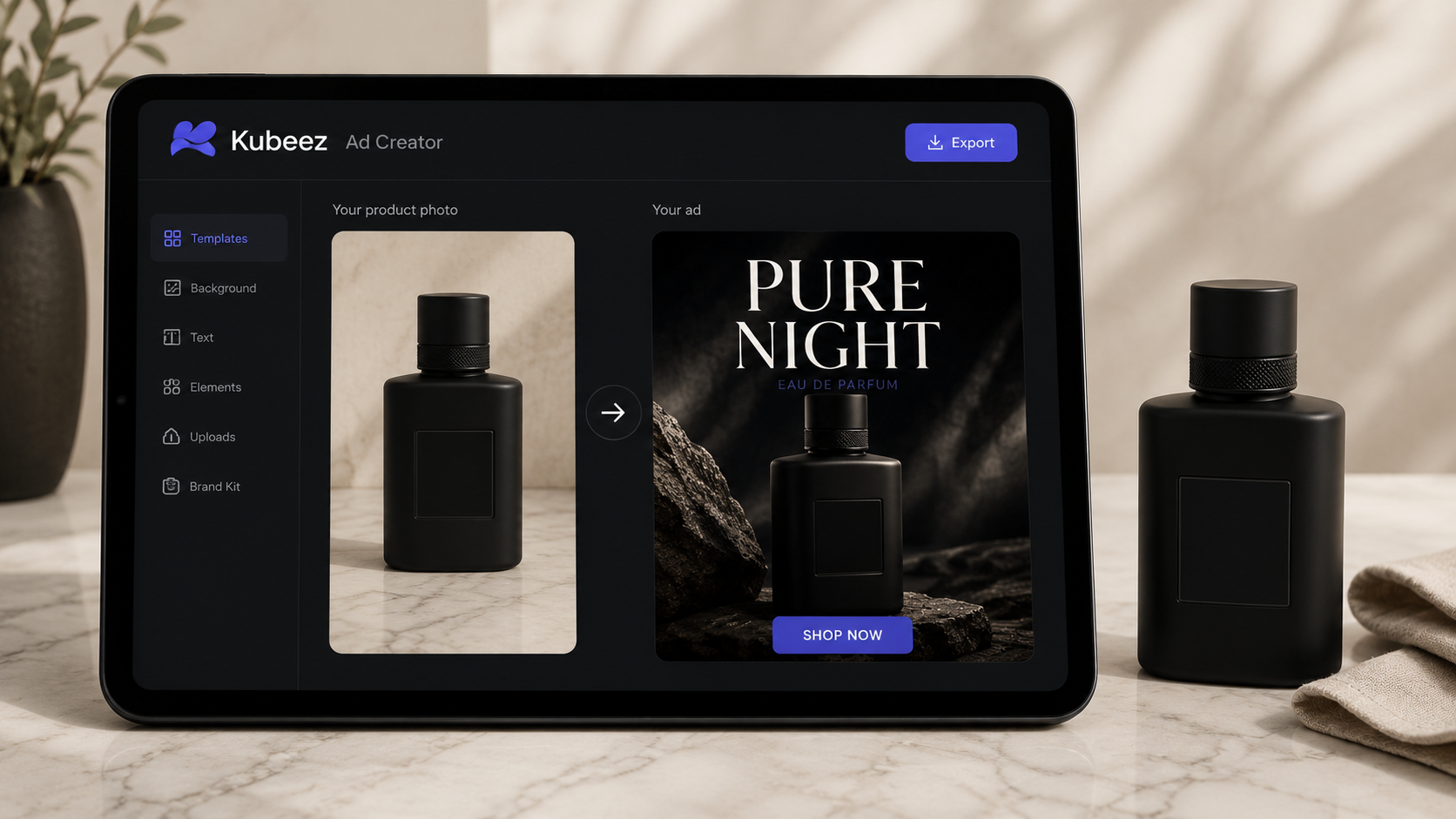
You have one flat phone snapshot of a product and you need an ad that looks like a studio shoot.
- Say it: "Turn this photo of my perfume bottle into a premium ad with a bold headline."
- What Kubeey does: relights and restages the product, generates a polished ad image, and adds a headline built for paid social.
- Refine: ask for a square version for the feed and a vertical one for stories, or a different headline, and it re-exports on the spot.
Because you pass your real product photo as a reference, the bottle in the ad is your bottle, not a lookalike. Explore the AI ad tools or start straight from the agent chat.
Workflow 2: A social video that stops the scroll
A still image is good, but motion earns attention.
- Say it: "Animate that product shot into a 6-second vertical loop with a slow push-in."
- What Kubeey does: turns your image into a short cinematic clip using AI video generation, with models like Seedance 2 and Seedance 2 Fast handling the motion.
- Refine: change the camera move, the length, or the aspect ratio, and generate a fresh cut.
You can go image-to-video from an asset you already made in the same chat, so the video matches the ad you just created. No re-uploading, no context lost.
Workflow 3: A music track plus a voiceover
Sound is half the impact of any video, and Kubeey makes both halves.
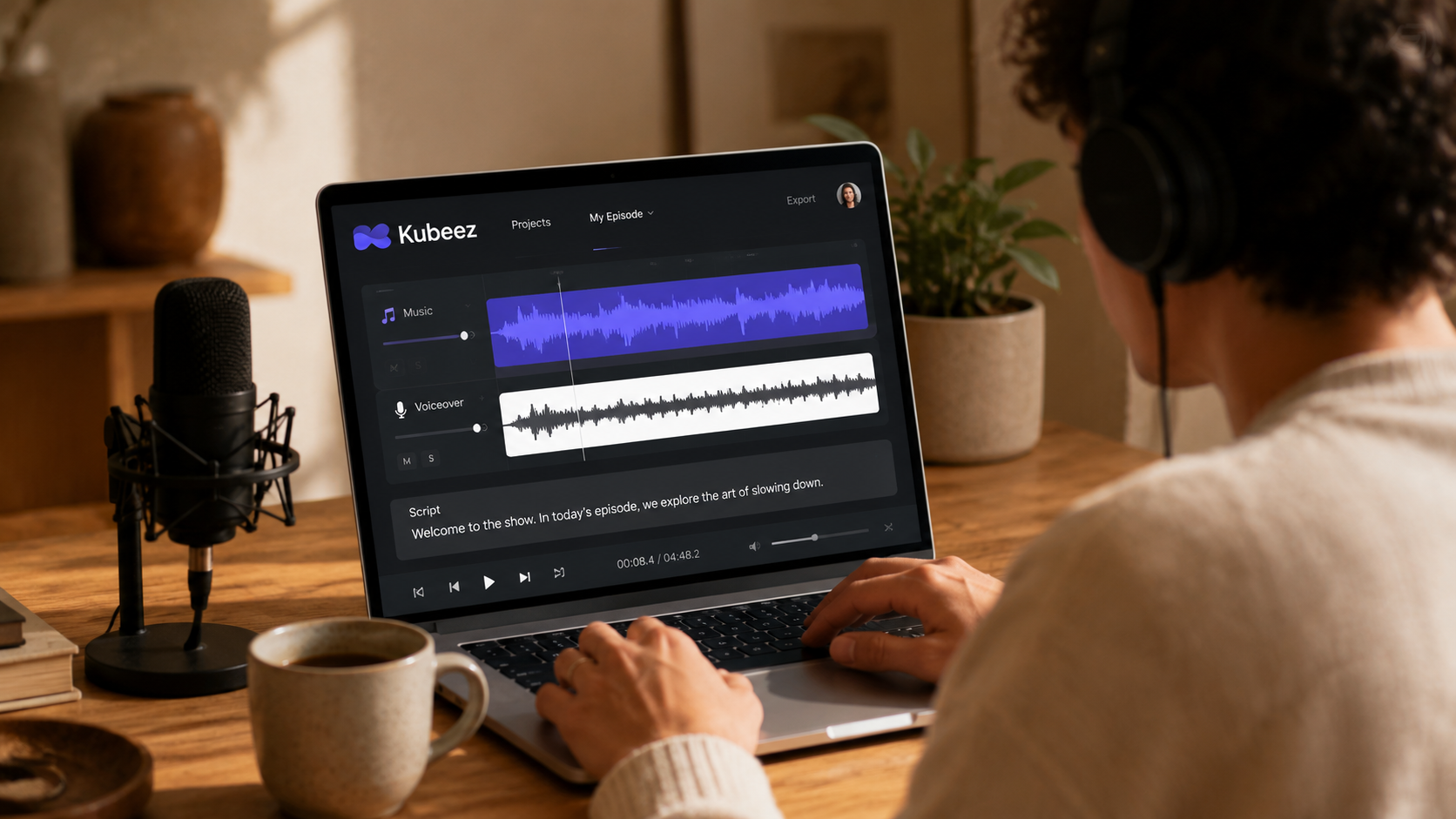
- Say it: "Write a warm 20-second voiceover for this ad and add an upbeat background track."
- What Kubeey does: generates a natural voiceover through AI dialogue and text to speech, then composes an original music bed to sit under it.
- Refine: swap the voice, change the genre, or shorten the track to match your cut.
Everything is original and generated on demand, so you are not digging through stock libraries for the right clip. If you are working with an existing track, the stem separation tool can split vocals from instrumental too.
Workflow 4: Captioned clips for every platform
Most short-form video is watched on mute, so captions are not optional.
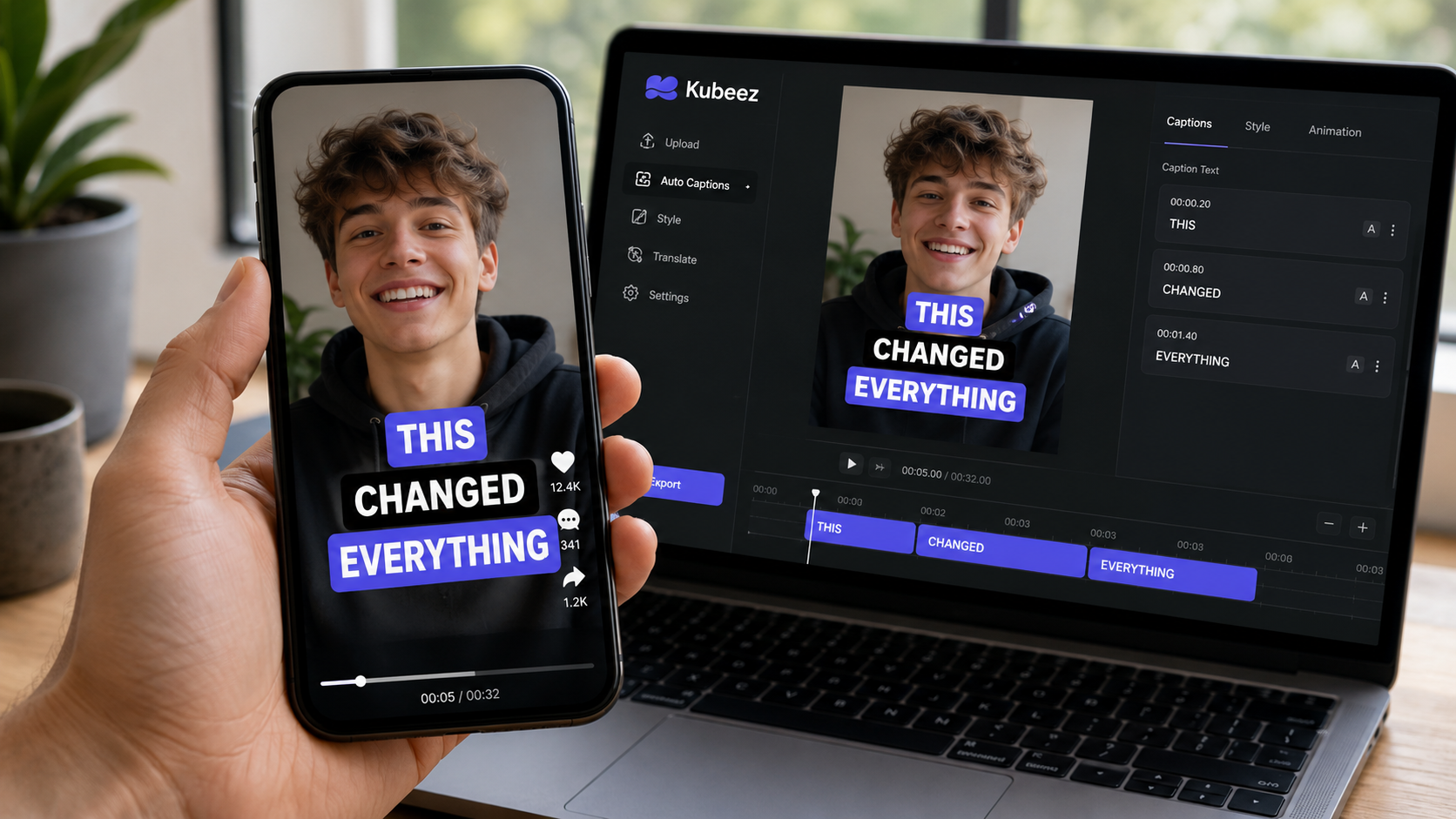
- Say it: "Add bold word-by-word captions to this clip and export it vertical."
- What Kubeey does: transcribes the audio and burns in clean, styled subtitles with Auto Captions.
- Refine: adjust the caption style, fix a word, or re-export in a different size.
Captioned, vertical, and ready for the feed, all without opening a separate editor.
Workflow 5: A full ad campaign, from concept to creative
The individual pieces combine into a campaign.
- Say it: "I am launching a coffee brand. Make three ad creatives, a 10-second hero video, and captions for each."
- What Kubeey does: plans the set, generates the images, the video, the voice, and the captions, and keeps them visually consistent because they share the same chat and the same references.
- Refine: iterate on any single piece without regenerating the rest.
This is where the agent framing pays off: one brief, a coordinated set of assets, one wallet. Marketing teams and agencies can see the full picture on the marketing agencies use case.
Bring your own brand
Every workflow above gets sharper when you feed Kubeey your real assets. Upload your logo, your product photo, or a reference frame, and pass it in as a reference so the output stays on brand. The product stays your product, the logo stays your logo, and the style stays yours across images, video, and ads.
Do it in chat, in the Studio, or in your code editor
The agent chat is the quickest way to run any of these workflows, but you have options:
- Media Studio gives you full manual control over every model and parameter, from images to video to audio.
- MCP lets agents like Claude and Cursor run these same generations from inside your tools. Set it up from the MCP page.
- API lets developers wire any of these workflows into their own product. See the API and the developers use case.
What will you make first?
Pick the workflow closest to your next project, open the agent chat, and describe it in one sentence. If you want the bigger-picture tour first, read what Kubeey is and how the media agent works. Curious what each generation costs? It is all one credit wallet, and you can check the pricing before you start.
Frequently asked questions
What can I actually make with Kubeey?
Product ads, social videos, music tracks, voiceovers and dialogue, captioned clips, and full ad-creative sets, all from one account. You describe the result in the agent chat and it generates the media.
Can I use my own product photo or logo?
Yes. Upload your asset and pass it in as a reference, and Kubeey keeps your real product and brand in the output for images, video, and ads.
Can Kubeey make both the video and its sound?
Yes. It generates the visuals with AI video and the music and voiceover separately, so you can tune each one, then combine them into a finished, captioned clip.
Do I need separate subscriptions for images, video, music, and voice?
No. Kubeez runs every model on a single credit wallet. See the pricing.
Can I run these workflows from my code editor?
Yes. Use the MCP server inside tools like Claude and Cursor, or call the API directly in your own app.