Tutorials
How to Use Nano Banana 2 Lite for High-Volume Image Generation on Kubeez
Nano Banana 2 Lite is Google's fastest, cheapest image model. Learn the high-volume batch workflow on Kubeez: draft on Lite, promote winners to Nano Banana 2.
· Kubeez
Google's Nano Banana 2 Lite is built for one thing: making a lot of images, fast and cheap. It is the fastest, most cost-efficient model in Google's Gemini image family, it lands each text-to-image result in about four seconds, and it is live on Kubeez right now at 8 credits per image. If your work runs in batches (product catalogs, ad-creative variations, social content sets, storyboards, or rapid A/B ideation), Nano Banana 2 Lite is the model you reach for first.
This guide walks through a practical, repeatable batch workflow: when to pick Lite over Nano Banana 2 or Nano Banana Pro, how to generate variation sets efficiently, how to keep results consistent at scale, and how to stay cost-disciplined so your credits go to the images that actually ship.
What is Nano Banana 2 Lite?
Nano Banana 2 Lite is Google's newest lightweight image model (Gemini 3.1 Flash-Lite for images), launched on June 30, 2026. It replaces the original Nano Banana and is tuned for high throughput: Google clocks it at roughly four seconds per text-to-image result, about five times faster than standard Nano Banana 2. That speed is exactly what makes it strong for volume work.
Being the lightweight tier does not mean it drops the parts that matter. Nano Banana 2 Lite keeps the family's reliable prompt adherence, strong character consistency, and legible in-image text, so your drafts actually resemble the finals. It supports both text-to-image and image-to-image, so you can generate fresh concepts or iterate on an existing base.
On Kubeez the model id is nano-banana-2-lite and every image costs a flat 8 credits, whether you run it in Media Studio, through the Media API, or via the MCP tools your agent already uses. (For reference, Google's launch API list price is $0.034 per 1K images; on Kubeez you pay in credits at the flat rate above.)
When to use Lite, Nano Banana 2, or Nano Banana Pro
All three models come from Google and share the same DNA, so you can move between them without relearning your prompts. The trick is matching the tier to the job.
| Model | Best for | Kubeez credits |
|---|---|---|
| Nano Banana 2 Lite | The many: drafts, variation sets, prototyping, high-volume batches | 8 / image |
| Nano Banana 2 | The finish: best all-round quality, Google Search grounding, editing, up to 4K | 11 (1K) / 15 (2K) / 25 (4K) |
| Nano Banana Pro | Typography, print, brand-critical hero art | 24 (1K/2K) / 30 (4K) |
The pattern that saves the most credits is simple: explore wide and cheap on Lite, then promote only the winners to Nano Banana 2 for the polished render (or to Nano Banana Pro when the final needs crisp typography or print-grade fidelity). You generate fifty ideas for the price of a handful of finals, and you only pay the premium on the images you actually keep.
High-volume use cases for Nano Banana 2 Lite
Lite shines anywhere the value is in the quantity and the speed of iteration:
- Ecommerce product and catalog variations. Render the same product across dozens of backgrounds, colorways, and prop stylings for a full catalog sheet.
- Ad-creative variation sets. Spin up ten or twenty hook visuals for the same campaign so you can A/B test what actually converts.
- Social content batches. Fill a month of posts, stories, and thumbnails in a single sitting instead of one at a time.
- Storyboard and mood exploration. Sketch out an entire sequence or a mood board quickly before you commit to a direction.
- Rapid prototyping and A/B ideation. Try many framings, styles, and compositions cheaply, then narrow to the strongest.
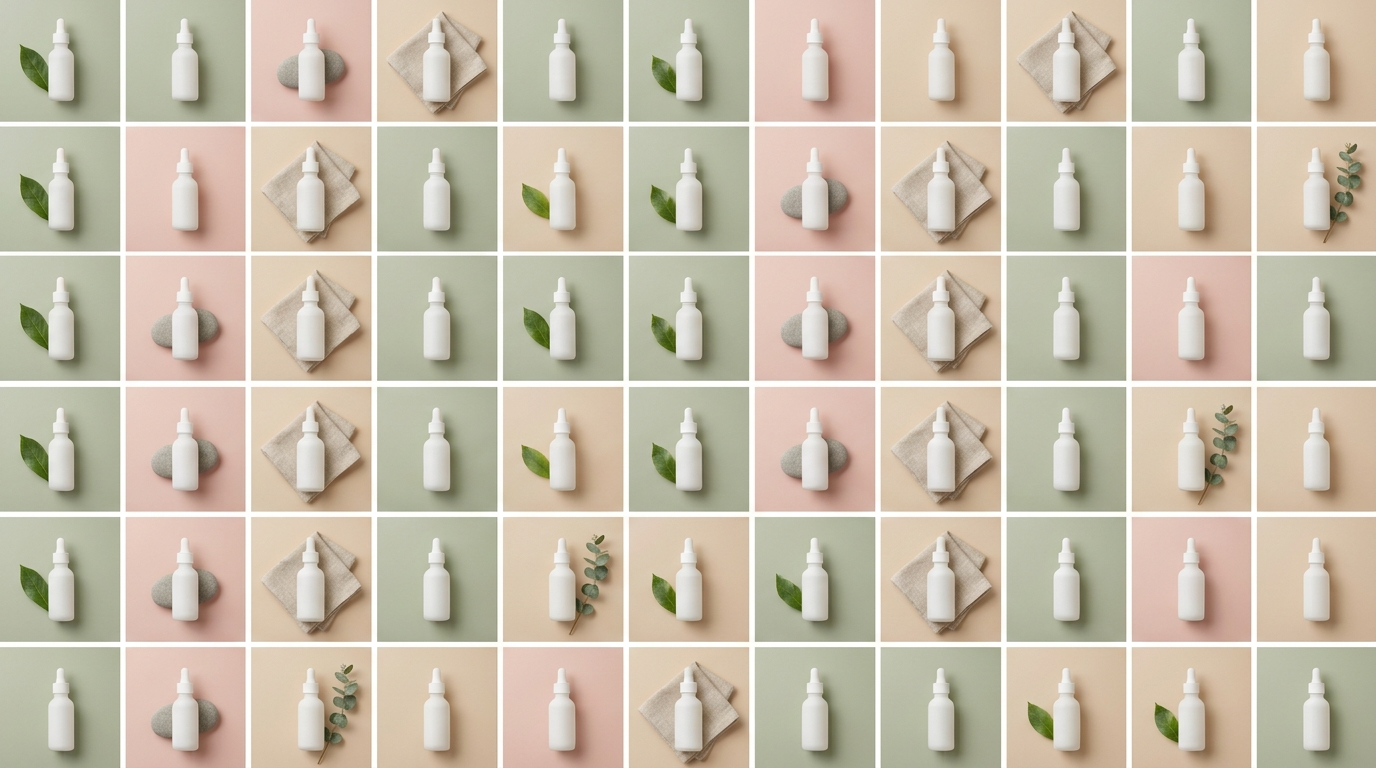
The batch workflow, step by step
Here is a repeatable flow that keeps a big run organized and on-brand.
- Write a prompt template. Lock the parts that must stay constant (subject, framing, lighting, style anchor, color story) and leave one or two variables to change per image, for example the background color or the prop. A stable template is what keeps a batch looking like one set instead of fifty unrelated pictures.
- Generate a variation set on Lite. Fire the batch on
nano-banana-2-lite, changing only your variables. Because each image lands in about four seconds, a set of twenty is done in a couple of minutes. - Iterate cheaply. Review the set, tighten the template, and re-run. At 8 credits an image you can afford several rounds of refinement before you commit to anything.
- Select the winners. Pick the few compositions that actually earn a place in the campaign, the catalog, or the feed.
- Promote to the final render. Re-run the winning prompts on Nano Banana 2 for the polished, higher-resolution version (or Nano Banana Pro when the final carries important text or goes to print). This is where you spend the premium credits, and only here.
Everything runs on one Kubeez credit wallet and one model id, so there is no separate account, key, or export step between drafting and finishing.
Automating batches with the Media API or MCP
Because Lite is so fast and cheap, it is a natural fit for automation. If you drive Kubeez from an AI agent or your own code, you can generate a whole variation set programmatically by looping your template over your variables and calling the same model id each time. With the Kubeez MCP tools, each image is a single generate_media call:
generate_media(
  model="nano-banana-2-lite",
  prompt="<your locked template> background: sage green",
  aspect_ratio="1:1"
)
The same nano-banana-2-lite id works from the Media Studio interface and the Kubeez MCP generate_media tool, so an agent can build catalogs, ad sets, or storyboards end to end. See the full list of options on the available models page.
Tips for consistency at scale
- Change one variable at a time. If every image varies in three ways at once, the set stops feeling cohesive. Hold the template steady and move a single lever per row.
- Use image-to-image to anchor a base. Feed a strong base image back in as a reference so the whole batch inherits the same layout, palette, or product.
- Front-load the prompt craft. A few extra minutes tightening the template pays off across every image in the run.
- Keep your winners' prompts. When you promote to Nano Banana 2, reuse the exact winning prompt so the final matches the draft you approved.
Cost discipline: draft on Lite, spend on finals
Kubeez has no refunds, so the smart move is to do your exploring where it is cheapest. Every failed experiment on Lite costs 8 credits; every failed experiment straight on a premium tier costs more and buys you nothing extra. By drafting wide on Nano Banana 2 Lite and promoting only the handful of images you actually ship, you keep your credit spend tied to output that reaches an audience instead of to trial and error.
Ready to run your first batch? Open AI Images or Media Studio, pick nano-banana-2-lite, and generate a variation set. When you find the winners, promote them to Nano Banana 2 for the final.
Frequently asked questions
What is Nano Banana 2 Lite?
It is Google's fastest and most cost-efficient image model, part of the Gemini image family and the successor to the original Nano Banana. On Kubeez it runs as nano-banana-2-lite at 8 credits per image and supports both text-to-image and image-to-image.
How fast is Nano Banana 2 Lite? Google clocks it at roughly four seconds per text-to-image result, about five times faster than standard Nano Banana 2. That throughput is what makes it well suited to large batches.
How much does Nano Banana 2 Lite cost on Kubeez? A flat 8 credits per image, the same rate in Media Studio, the Media API, and the MCP tools.
When should I use Nano Banana 2 or Nano Banana Pro instead? Use Nano Banana 2 (11 to 25 credits by resolution) for polished final renders, editing, Google Search grounding, and up to 4K output. Step up to Nano Banana Pro (24 to 30 credits) when the image needs precise typography or print-grade quality. The efficient pattern is to draft on Lite and promote winners to those tiers.
Can Nano Banana 2 Lite do image-to-image? Yes. It supports both text-to-image and image-to-image, so you can generate new concepts or iterate on an existing base image.
For a deeper look at the model itself, read Nano Banana 2 Lite: Google's fastest image model. To compare all three tiers side by side, see Nano Banana 2 vs Pro vs Lite. And to see how the family stacks up against other models on a single prompt, read GPT Image 2 vs Nano Banana 2 vs Seedream 5 Lite.