Guides
What a 30-Second Single Shot Changes About AI Video Production
Seedance 2.5 generates 30 seconds in one take. Here is what that breaks, what it fixes, and how to plan and prompt long shots with the models you can use today.
· Dex
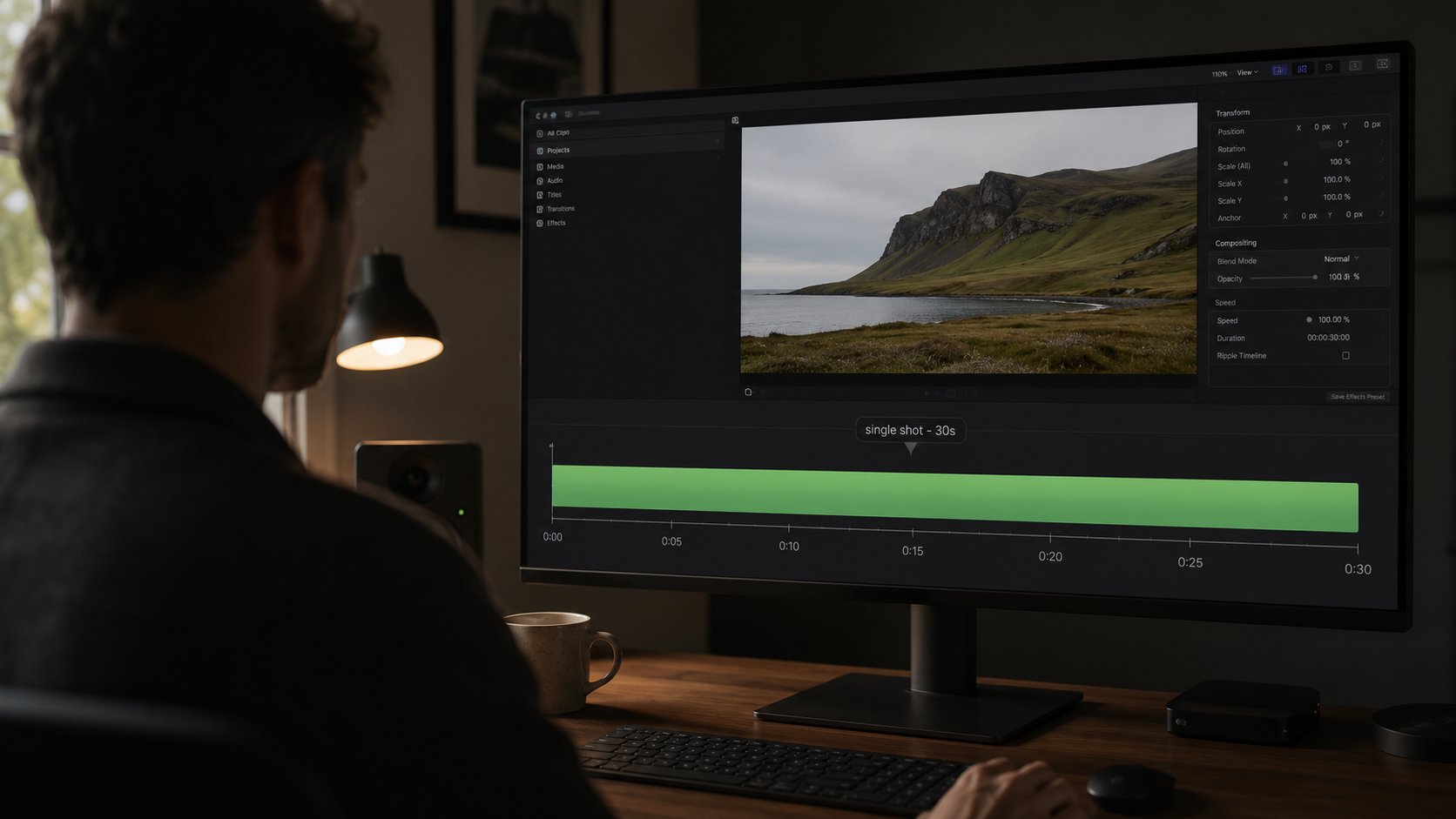
For three years, AI video has been a 5-to-15-second art form. Every workflow around it — the stitching, the continuity hacks, the reference discipline — exists to work around that ceiling. ByteDance's Seedance 2.5 raises it to 30 seconds in a single pass, and MiniMax, Kuaishou and Google will follow.
That changes the craft more than the spec sheet suggests. Here is what actually shifts, and how to prepare with what you can generate today.
Why stitching was the real bottleneck
The problem was never that 10 seconds is short. Films are cut from short takes. The problem is that generated clips do not cut together — because nothing carries over between generations.
Run the same prompt twice and you get two neighbouring universes: a slightly different face, a key light a few degrees off, a jacket whose weave changed, a camera that restarted its move. Editors know this failure by name — you cut on action to hide it, you push in to disguise the mismatch, you cover the seam with music. It works, and it costs you an afternoon per 30 seconds of screen time.
A single unbroken take deletes the class of problem instead of managing it. One character, one set, one lighting setup, one camera move, first frame to last.
What 30 seconds actually unlocks
Not "longer videos". Specific formats that were previously out of reach:
- A complete ad spot. The standard broadcast and pre-roll unit is 30 seconds. One generation is now one deliverable, not a bin of parts.
- An explainer beat with a real arc. Setup, demonstration, payoff — with a presenter who stays the same person throughout.
- Product walk-throughs. A slow orbit or push-in that reveals a whole object, uninterrupted, without a cut hiding a geometry change.
- Dialogue scenes. Around 30 seconds is roughly 70 to 90 spoken words: an actual exchange, with reactions, not a single line.
- Establishing shots with development. A camera that travels and arrives somewhere, rather than drifting for four seconds.
What stays hard
Long takes are not free wins, and pretending otherwise wastes credits.
A bad second costs the whole take. With 5-second clips, a failed generation costs 5 seconds of compute. At 30 seconds, one glitch at 00:22 means re-rolling everything. Expect a preview-first workflow to matter more than raw quality — which is exactly why Seedance 2.5's 3D white-box animatic preview exists.
Prompts have to describe time, not just a look. A 30-second prompt that reads like an image caption gives you a 30-second still with wobble. You have to write beats.
Cost scales with seconds. Video models on Kubeez are billed per second of output; a 30-second take is a 30-second take. Long shots are for keepers, not exploration.
Attention is finite. More prompt does not equal more control past a point. Reference inputs carry the specifics better than adjectives do — which is why the reference ceiling (up to 50 multimodal inputs on 2.5, 9 images + 3 videos + 3 audio on Seedance 2.0 today) matters as much as the duration.
How to write a long-shot prompt
Structure the prompt as a timeline, not a description. A pattern that survives contact with real models:
SHOT: one continuous handheld push-in, 30s, no cuts.
SUBJECT: [who/what, described once, precisely]
SETTING: [where, light source, time of day]
BEATS:
  0-6s   — [what happens first, camera position]
  6-16s  — [the development, what changes]
  16-26s — [the payoff action]
  26-30s — [where the camera lands and settles]
CONSTANTS: same character, same wardrobe, same key light, no cuts.
AUDIO: [ambience, dialogue tone, music mood]
Three rules that carry over from every model we have tested:
- Say "no cuts" explicitly. Models trained on edited footage will happily invent a cut at second 8.
- Give the camera a job per beat. "Push in", "hold", "tilt up and settle" beats "cinematic camera movement".
- State the constants. Anything you do not pin down is something the model is free to change halfway through.
Practise the workflow today
You do not need to wait for 2.5 to build the habits. On Kubeez right now:
- Seedance 2.0 — native 4K (3840 x 2160 at 24 fps), up to 15 seconds, with 9 reference images, 3 reference videos and 3 reference audio clips in one generation, plus native audio. Image-to-video takes a first and a last frame, which is the closest thing to directing a long take today: you define the destination, not just the start.
- Seedance 2 Fast / Seedance 2 Mini — 480p and 720p tiers for cheap iteration. Block the shot here, then run the keeper at full resolution.
- Kling 3.0 and Kling 3.0 Turbo — Kling's multi-shot storyboarding is the opposite bet to a single take: several described shots, generated with coherence between them. Turbo does 3 to 15 seconds at 720p or 1080p with audio included, and it is fast enough to iterate on.
A workable rhythm: block at 480p on Fast or Mini, lock your reference kit, run the first/last-frame version at 720p, then spend the 4K generation once. When the 30-second ceiling arrives, the only thing that changes is that you stop cutting around the seams.
Start in the video generation studio, or wire it into an agent through the Kubeez MCP. Live per-second credit rates are on the pricing page.
The short version
Thirty seconds in one take is not "longer clips". It is the point where a generation becomes a shot — something you can build a deliverable on instead of hiding inside a montage. The models that get there first will reward the people who already know how to plan one.
More on the model itself: Seedance 2.5 explained.
Dex writes the Kubeez guides and makes every example with the same tools you use.