Technology
Kling 3.0 Turbo: Fast, Cheap AI Video Explained
Kling 3.0 Turbo is Kuaishou's fast, low-cost AI video model for text-to-video and image-to-video. See how it compares to Kling 3.0 and Seedance 2 Fast.
· Kubeez
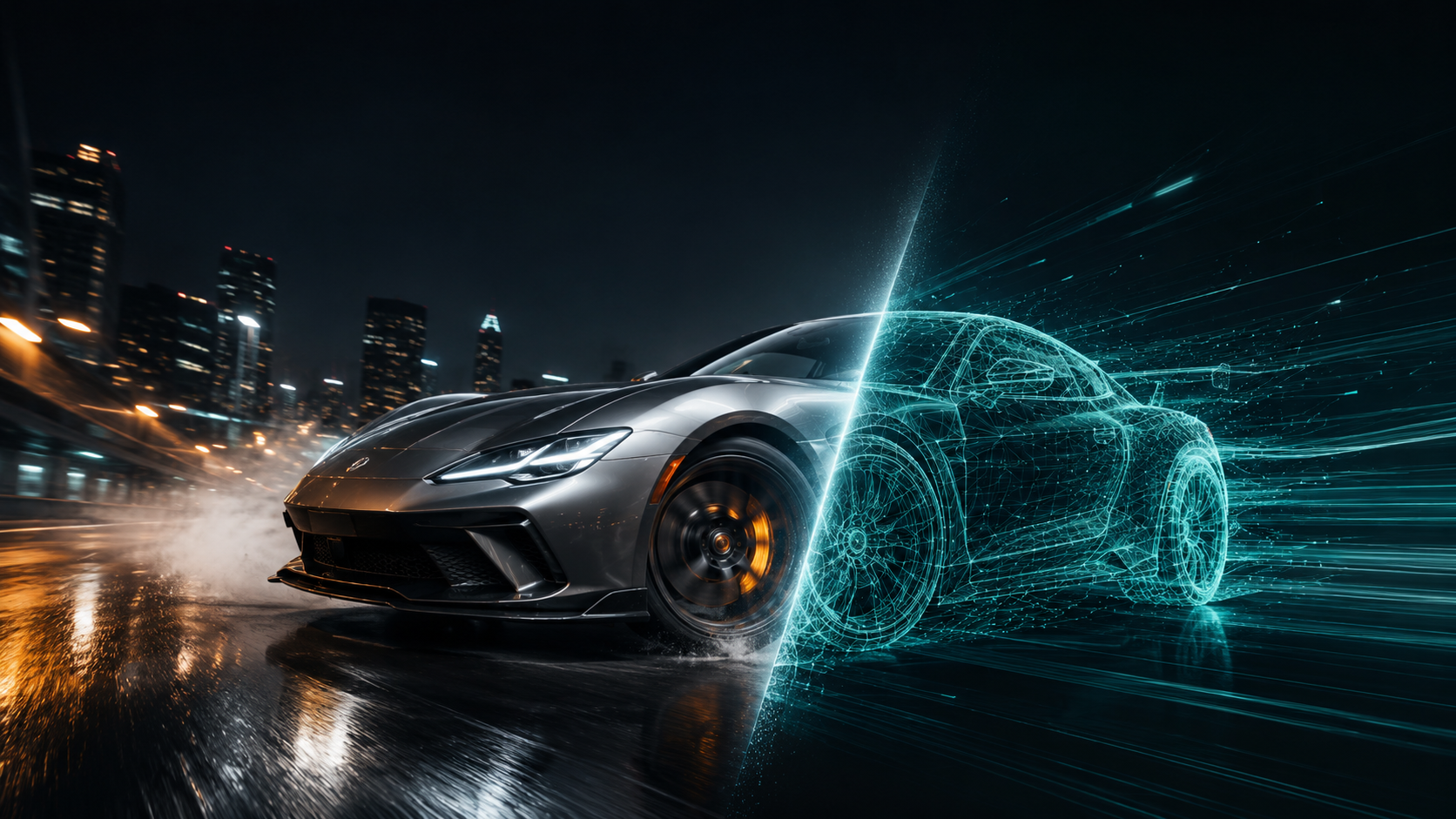
Kuaishou just shipped Kling 3.0 Turbo, and it answers a question every video creator eventually asks: do I really need the heavy, do-everything model for this clip? Most of the time, the honest answer is no. Kling 3.0 Turbo is the leaner, faster sibling of full Kling 3.0, built for one job, fast, cheap iteration that still looks like Kling. It is live on Kubeez today.
This guide covers what Kling 3.0 Turbo actually is, where it fits, and how it compares to full Kling 3.0 and to the other fast, value-focused video models on Kubeez, Seedance 2 Fast, Veo 3.1 Lite, and Wan 2.7. By the end you will know exactly when to reach for Turbo and when to step up to a heavier model.
What is Kling 3.0 Turbo?
Kling 3.0 Turbo is a deliberately simple, speed-first text-to-video and image-to-video model from Kuaishou, the team behind the Kling family. It strips the full Kling 3.0 feature set down to the essentials so it can render faster and cost less per clip, without leaving the Kling look behind.
Here is the short spec:
- Two modes: text-to-video and image-to-video.
- Resolution: 720p or 1080p.
- Duration: any length from 3 to 15 seconds.
- Aspect ratios (text-to-video): 16:9, 9:16, and 1:1, so you can target YouTube, TikTok and Reels, or square feeds directly.
- Image-to-video frames: feed it one image as the start frame, and Turbo animates the motion forward from it.
- Audio: synced audio is generated and included in every clip, with no separate surcharge and no toggle to flip.
- Billing: per second. On Kubeez that is 23 credits/second at 720p and 29 credits/second at 1080p. A 5-second 1080p clip is 145 credits; a 10-second clip is 290.
The defining trait of Turbo is what it leaves out on purpose. There is no multi-shot sequencing, no @element references, and no motion control. Full Kling 3.0 adds those (plus a 4K tier) on top of everything Turbo already does. Turbo trades them away for raw speed and a lower bill, which is exactly the trade you want when you are drafting, iterating, or batching out short social clips.
Kling 3.0 Turbo vs full Kling 3.0
Think of the Kling family as a set of lanes rather than a ladder. Turbo is the fast lane; the full Kling 3.0 tiers (Standard, Pro, 4K, and Motion Control) are the production lanes. They share DNA, but they are tuned for different moments in your workflow.
| Capability | Kling 3.0 Turbo | Full Kling 3.0 (Std / Pro / 4K) |
|---|---|---|
| Text-to-video | Yes | Yes |
| Image-to-video | Yes (1 start frame) | Yes (up to 2 input images) |
| Resolution | 720p, 1080p | up to 4K |
| Duration | 3 to 15s | 3 to 15s |
| Generated audio | Yes (synced sound) | Yes (synced sound) |
| Multi-shot sequencing | No | Yes |
| @element references | No | Yes |
| Motion control | No | Yes (dedicated tier) |
| Billing on Kubeez | 23 cr/s (720p), 29 cr/s (1080p) | from 17 cr/s (Std) up to 71 cr/s (4K) |
Both lanes generate synced audio, so what full Kling 3.0 actually adds over Turbo is multi-shot sequencing, @element references, motion control, and a 4K tier. The pricing gap is the rest of the story. Full Kling 3.0 Standard runs from 17 credits per second and Pro from 21, before the audio surcharge that pushes Pro toward 31 cr/s. The 4K tier sits at 71 cr/s. Turbo's flat 23/29 lands it firmly in the value bracket, and because its audio is bundled into that per-second rate, the price you see is the price you pay.
Pick Turbo when you are blocking out a scene, testing prompts, generating a batch of short social cuts, or animating a single still into motion, and you do not need a multi-shot edit. Step up to full Kling 3.0 the moment you need several shots stitched into one generation, element references for character or object consistency, true motion control, or 4K output. For a deeper look at how the family evolved, see our Kling 3 vs Kling 2 comparison.
How single-frame image-to-video works
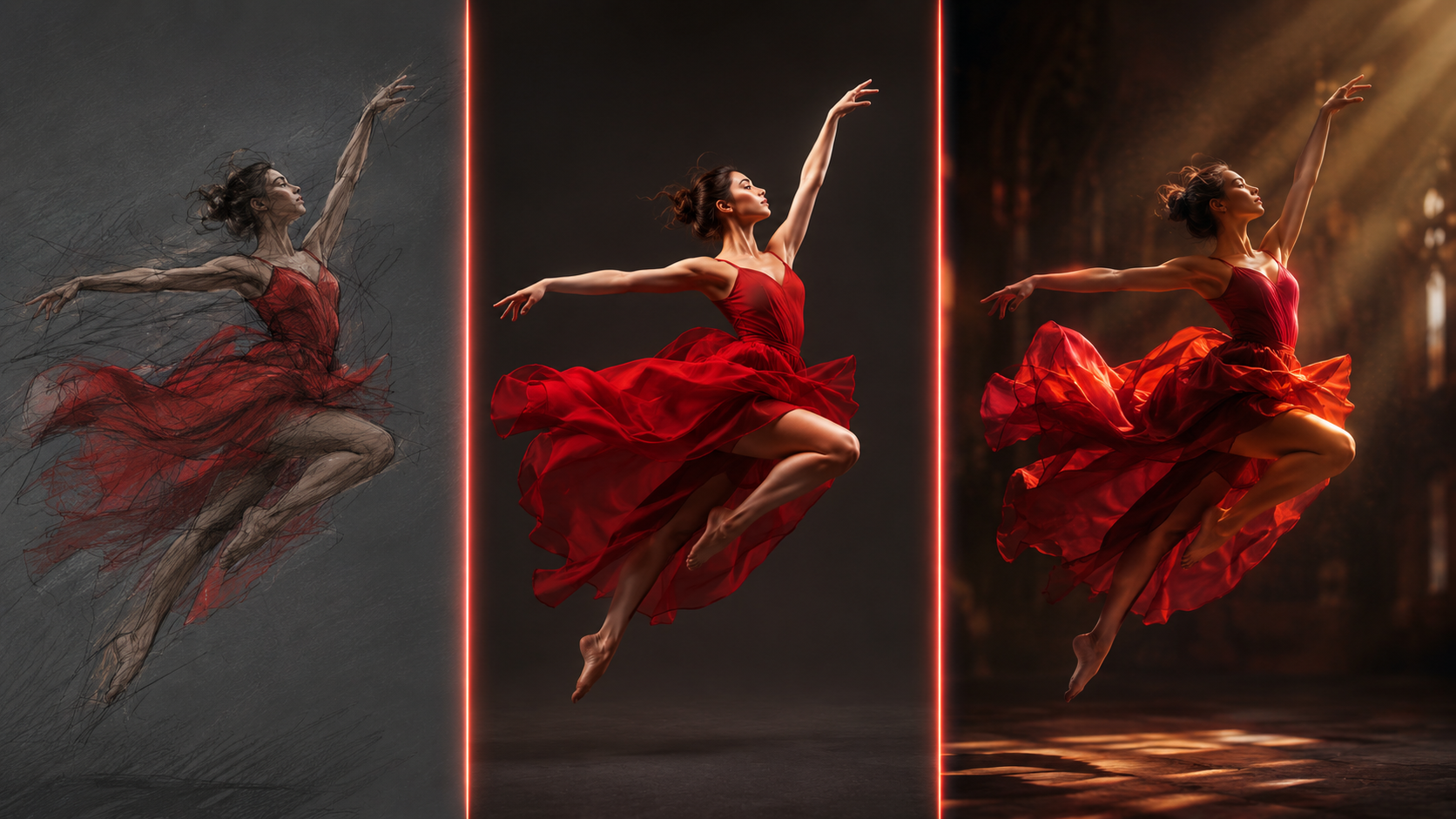
The feature most people underrate in Turbo is image-to-video from a single start frame. Give it one image, and Turbo animates the motion forward from it, the camera move, the parallax, the subtle life in the scene. It is the fastest way to turn a still you already love into a moving clip, because you anchor the opening frame and let Turbo carry it.
A few ways creators are already using it:
- Product motion: start on a clean product shot and let the camera push in or orbit it.
- Logo stings: start on a flat mark and bring it to life with a confident reveal move.
- Living photos: take a portrait or landscape still and add a slow drift, a breeze, or a parallax pan.
- Scene establishing shots: animate an illustrated or rendered backdrop into a gentle, cinematic move.
To make the start frame, generate a still with Nano Banana 2 or GPT Image 2 on Kubeez, then drop its URL straight into Turbo as the start image. Because Turbo is cheap per second, you can iterate the motion several times until it feels right.
Kling 3.0 Turbo vs the other fast, value video models
Turbo is not the only speed-and-value option on Kubeez. Here is how it stacks up against the three models creators most often compare it to.
| Model | Maker | Best for | Sound | Billing on Kubeez |
|---|---|---|---|---|
| Kling 3.0 Turbo | Kuaishou | Fast Kling-look drafts, single-frame animation | Yes (included) | 23 cr/s (720p), 29 cr/s (1080p) |
| Seedance 2 Fast | ByteDance | Multi-image refs, free synced audio, social video | Yes (free) | 29 cr/s (720p) |
| Veo 3.1 Lite | Cinematic text-to-video with included audio, flat pricing | Yes | flat 45 cr (720p) / 50 (1080p) per clip | |
| Wan 2.7 | Alibaba | Cheapest per-second motion, quick experiments | No | 19 cr/s (720p), 27 cr/s (1080p) |
A few honest takeaways:
- Want free audio plus character consistency? Seedance 2 Fast carries synced audio at no surcharge and accepts up to nine reference images, making it the better pick when you need character or object consistency across shots. It costs a touch more per second at 720p than Turbo, whose audio is bundled into its per-second rate.
- Want predictable cinematic clips with audio and don't want to do per-second math? Veo 3.1 Lite bills a flat rate per clip and includes sound, which is great for one-and-done shots.
- Want the lowest per-second floor? Wan 2.7 is the cheapest of the group at 19 cr/s for 720p, ideal for throwaway experiments where look beats polish.
- Want the Kling aesthetic, fast, with audio baked in? That is Turbo's lane: the Kling look and synced sound at a value per-second rate, drafted in seconds.
If your project genuinely needs top-tier fidelity, multi-shot edits, motion control, or 4K, the heavier models are worth the credits, Seedance 2, Veo 3.1, and full Kling 3.0 each shine there. For a broader matchup, our Seedance 2 vs Kling 3 breakdown goes tier by tier.
A practical workflow with Kling 3.0 Turbo
Here is a draft-to-final loop that keeps your credit spend low:
- Draft on Turbo at 720p. At 23 cr/s, a 5-second test is around 115 credits. Iterate the prompt until the composition and motion are right.
- Lock the start frame. For image-to-video, finalize your start still in Kubeez images, then animate it on Turbo.
- Upscale the moment, not the misses. Once a clip is approved, decide whether 720p is enough for the platform. Most TikTok and Reels content is fine at 720p; re-run the winner at 1080p only if you need it.
- Step up only when the brief demands it. Need multi-shot, motion control, or 4K? Move that one hero clip to full Kling 3.0 or Seedance 2, and keep everything else on Turbo.
- Automate it. Generate Turbo clips programmatically through the Kubeez API and MCP, so your pipeline drafts dozens of variations without you babysitting the studio.
This is the core efficiency play: do 90% of your iterating on a cheap, fast model and reserve the expensive models for the shots that actually ship.
Is Kling 3.0 Turbo worth it?
For fast iteration, short-form social, and single-frame animation, yes, comfortably. Turbo gives you the Kling look with synced audio at a fraction of the time and cost, and the missing features (multi-shot, elements, motion control, 4K) are exactly the ones you do not need while you are still finding the shot. When the brief grows up, the rest of the Kling family and Seedance 2 are one model switch away.
You can use Kling 3.0 Turbo right now on the Kubeez video generator, or wire it into your own automation through the Kubeez MCP.
Frequently asked questions
What is Kling 3.0 Turbo? Kling 3.0 Turbo is a faster, cheaper text-to-video and image-to-video model from Kuaishou, the maker of the Kling family. It renders at 720p or 1080p, runs 3 to 15 seconds, and is tuned for speed and cost-efficient iteration rather than the full feature set of Kling 3.0.
How is Kling 3.0 Turbo different from full Kling 3.0? Both generate synced audio. Turbo drops multi-shot sequencing, @element references, motion control, and the 4K tier to render faster and cost less. Full Kling 3.0 keeps all of those. Use Turbo for drafts and social clips; use full Kling 3.0 when you need multiple shots, element references, motion control, or 4K.
How much does Kling 3.0 Turbo cost on Kubeez? Billing is per second: 23 credits per second at 720p and 29 credits per second at 1080p. A 5-second 1080p clip is 145 credits and a 10-second clip is 290 credits. Pricing is live in the studio, always confirm the current rate before a long render.
Does Kling 3.0 Turbo support image-to-video? Yes. Supply one image as the start frame, and Turbo animates the motion forward from it.
Does Kling 3.0 Turbo generate sound? Yes. Synced audio is generated and included in every clip, with no separate surcharge.
Kling 3.0 Turbo or Seedance 2 Fast? Both deliver synced audio, so the choice comes down to look and references. Choose Turbo for the Kling aesthetic and the cheapest path to a clip with sound. Choose Seedance 2 Fast when you need free audio plus up to nine reference images for character and object consistency.